Lesson 10: Create the map locator handler
Begin to create a portlet where you can enter a mortgage code and see a list of mortgage places and a map. Click the name of a place in the list, and the map displays a location marker
About this task
- The Google Places Service provides information about businesses in or near a specific place.
- The Google Maps API provides a map that you can embed in your UI to show the location of a business.
- REST for the developerREST for the developer.
- Correspondence between an XML string and an EGL variableCorrespondence between an XML string and an EGL variable.
- Google Places API (https://developers.google.com/places/documentation/details).
- Understanding how browsers handle a Rich UI applicationUnderstanding how browsers handle a Rich UI application.
Create records for the Interface file
Procedure
- A set of Record parts. Each definition is the basis of a variable that will be used to receive data from the service.
- An Interface part. This definition is the basis of a service-access variable, which is used in the call statement that invokes the service.
You can create the Record parts in various ways, but in this lesson you will access a REST service on the web and include, in the web address, the details necessary to retrieve data from the service. The New EGL Record wizard will create the Record parts that correspond to the data that is retrieved at development time.
Do as follows:
- In the Records from XML window, click Create
from a URL and paste the following URL into the URL field:
Combine the two lines into a single-line URL with no spaces.https://maps.googleapis.com/maps/api/place/search/xml?location=-33.8670522,151.1957362 &radius=1000&types=cafe&sensor=false&key=AIzaSyD_K9zveT6jhxgCApduywaOTuD5FiQFgpI&language=en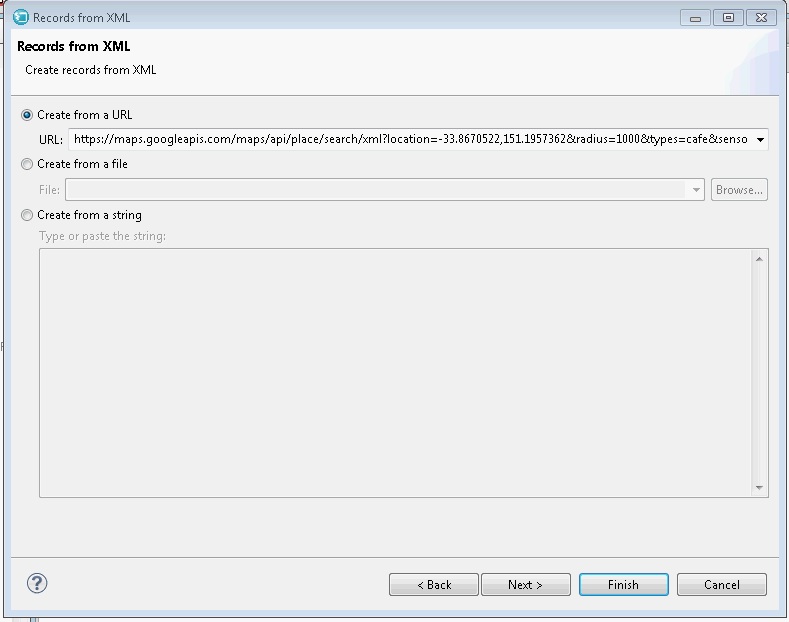
- Click Next.The wizard displays a Summary page that previews the code it will place in the new file.
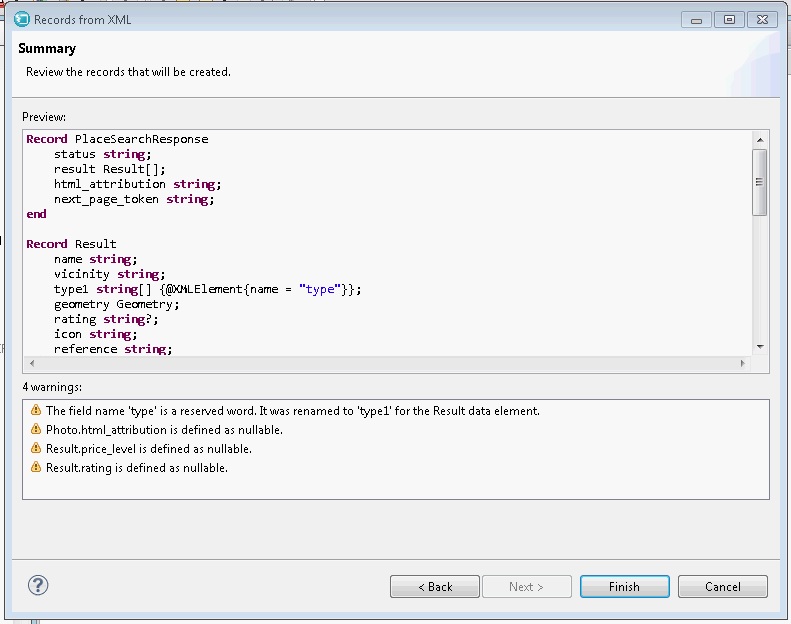 Note:The Google API Service sometimes returns no data, in which case only the
ResultSetRecord part is created. The lack of data is most likely on Sundays. If the service is unavailable or does not return data, click Cancel and wait for a later time to complete the tutorial.
Create the Local Search Interface
Procedure
When you use an external web service, you create an Interface part that identifies the service operations that will be accessed. The Interface part is used by the requesting code and is not a component of the service itself.
Do as follows:
Create the MapLocatorHandler handler
Procedure
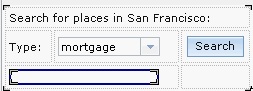
- Create a box to contain the list of mortgage companies.
At this point, the UI looks like the following picture:
- From the Samples drawer of the palette,
drag a Google Map widget to the last cell in the third row, next to
the listingBox widget, and give it the following name:
Refresh the Design view of the Rich UI editor by clicking the refresh button on the upper right of the Design view, not the upper right of Project Explorer.localMap The Design surface looks as follows: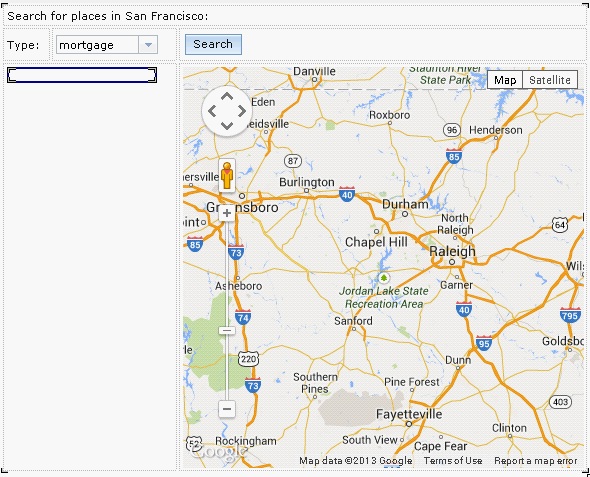
Results
If you click the Source tab, you can see code that the EGL Rich UI editor created.
Lesson checkpoint
About this task
- Create Record definitions from the data retrieved from a service.
- Configure an Interface part with details that allow for service access.
- Create a user interface that includes a Google map.
In the next lesson, you add source code to complete the MapLocatorHandler handler.