Lesson 6: Create the calculation results handler
The next handler that you create, CalculationResultsHandler, creates a pie chart to illustrate details that are issued by the previously created logic, MortgageCalculatorHandler.
About this task
The code that acts as an intermediary between the two handlers is an Infobus, which is an EGL library in the com.ibm.egl.rui project.
- A handler such as CalculationResultsHandler subscribes to an event of a specified name. At the time of subscription, the handler also gives the name of a function that will receive data when the specified event occurs. As a result of this subscription, the Infobus registers the function, maintaining the detail necessary to invoke the function later.
- At the right moment, the same or a different handler publishes the event. This handler specifies both the event name and event-specific data and directs the Infobus to invoke the registered function.
You begin this lesson by dealing with the second of those
two steps. You update the previously written MortgageCalculatorHandler
handler to invoke the Infobus publish function when
a new calculation is returned from the remote service. Then, you ensure
that the CalculationResultsHandler handler has subscribed to the event.
The publish-and-subscribe makes possible the pie-chart display.
Publish the service results
Procedure
Create the CalculationResultsHandler handler
Procedure
- Drag a PieChart widget from the Visualization drawer
of the palette onto the single cell of the grid layout and give the
widget the following name:
interestPieChartEGL displays a default pie chart.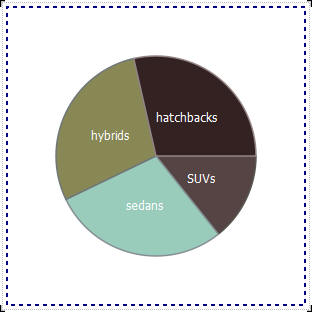
Test the pie chart
Procedure
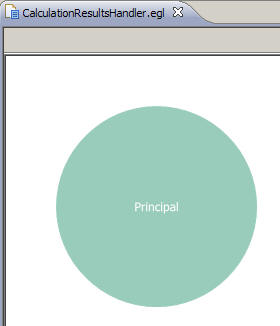
- Change to Preview view.EGL displays a default pie chart showing 100% principal.
Lesson checkpoint
About this task
- Use the InfoBus library to pass information between handlers.
- Create a pie chart.
In the next lesson, you create the main handler, which uses the others.