z/OS Connect EE Server
Execute the below steps for connecting to the z/OS Connect EE Server:
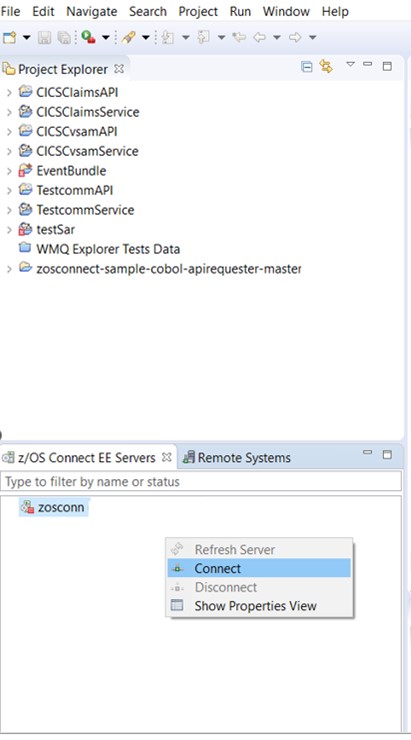
- Navigate to the z/OS Connect EE Servers tab and right-click on zosconn.
- Click Connect.
- Addz/OS Connect Enterprise Edition Connection window will appear.
- Enter the Name for the connection and a Host name and Port number for
the z/OS Connect server. Note:For host connections, refer to the steps given in z/OS connect EE server.
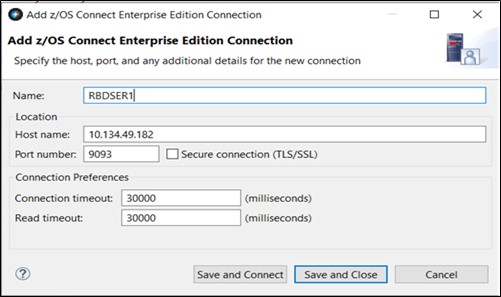
- Click the Save and Connect button.
- Enter the User ID & Password or Passphrase field and click OK.
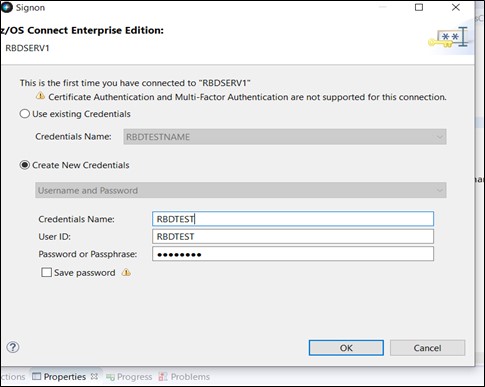
The z/OS Connect EE server is configured with the required Authentication set to false, so valid credentials are not Mandatory or validated by the z/OS Connect EE server.
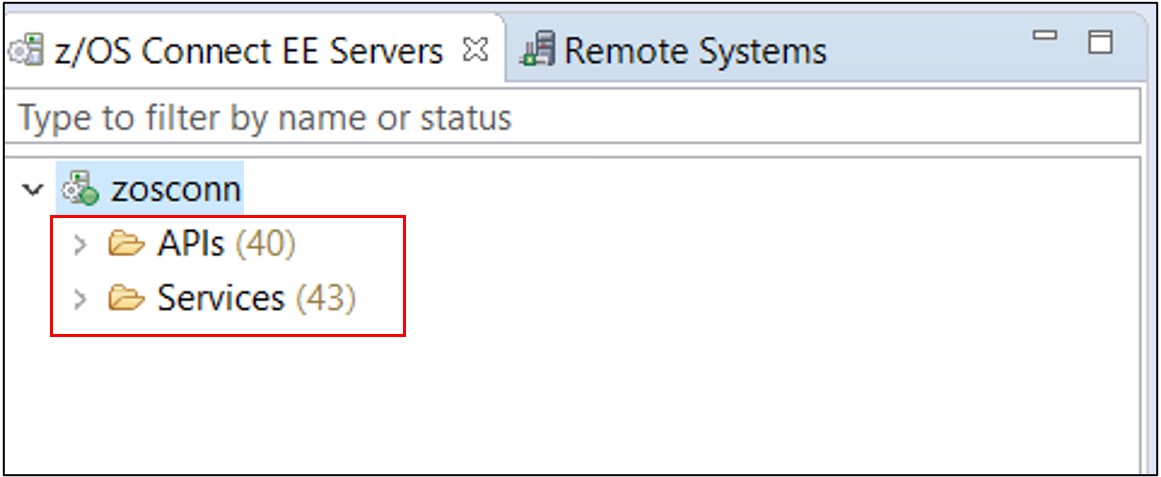
The Deploy API to z/OS Connect EE Server Result dialog shows the results of the deployment.