Installing Host Access Toolkit in Console Mode
The Host Access Toolkit is automatically installed as part of the Windows Host On-Demand server installation. It is also available separately for those customers who do not wish to install the entire Windows Host On-Demand server. Users can select only Host Access Toolkit option during Installation.
Refer to Installing the IBM Host On-Demand, Deployment Wizard and HACL Tool kit in the Console Mode for more details.
Find the steps to install:
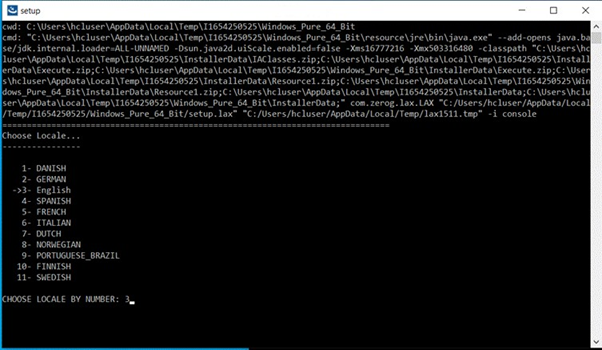
- Type in the Command Line to configure the Host Access Toolkit Console mode.

- Multiple language configuration screen displays. By default, the English language is
displayed.
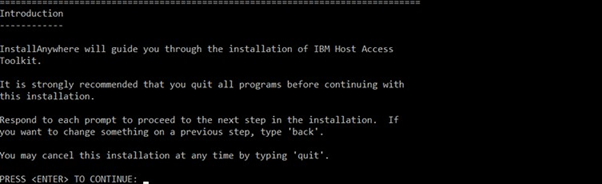
- The Introduction screen displays with preparing console mode installation.
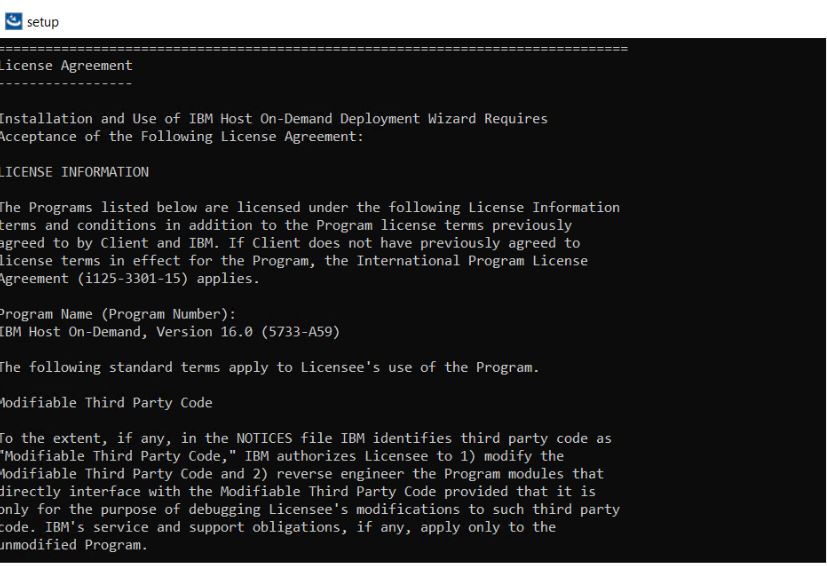
- The License Agreement configuration screen displays.
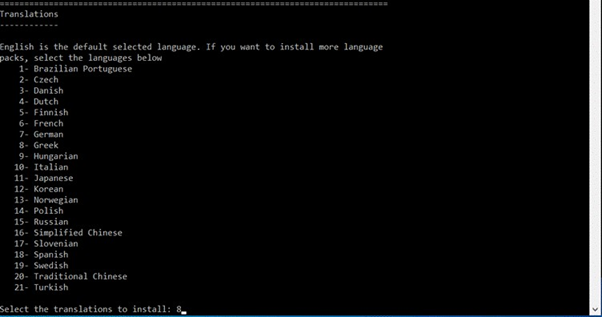
- Translations configuration screen displays. By default, the English language is displayed.
- The Choose Install Folder configuration to install the product screen displays.
(Here, the user can choose the customized folder).

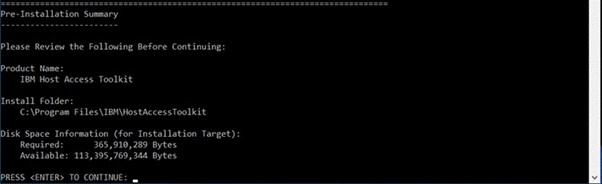
- The Pre-installation Summary configuration screen displays to review the product
details. Example: product name, installer folder, HOD server location, etc.
- The configuration of the installation process gets started.
