Deleting by application ID
In CICS® Transaction Server you can deploy applications in a platform. You can define the various resources that make up a business application in CICS® as a single entity and deploy these resources to CICS® as a single resource.
An application that is defined as part of the platform can be managed as a single entity throughout the lifecycle, making CICS® application management faster, easier, and less prone to error. For more information about applications, see Applications in the CICS® TS 5.2 Documentation.
The CICS® IA exits capture application information and associate them with the dependency data and the command flow data that is collected.
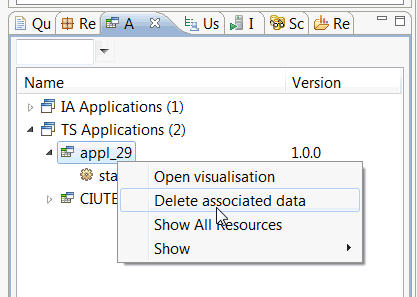
You can use the CICS® IA plug-in to delete the data by application and version. Right-click the name of the application for which you want to delete data, then click Delete associated data.