Auto-Upgrade for Standard Users
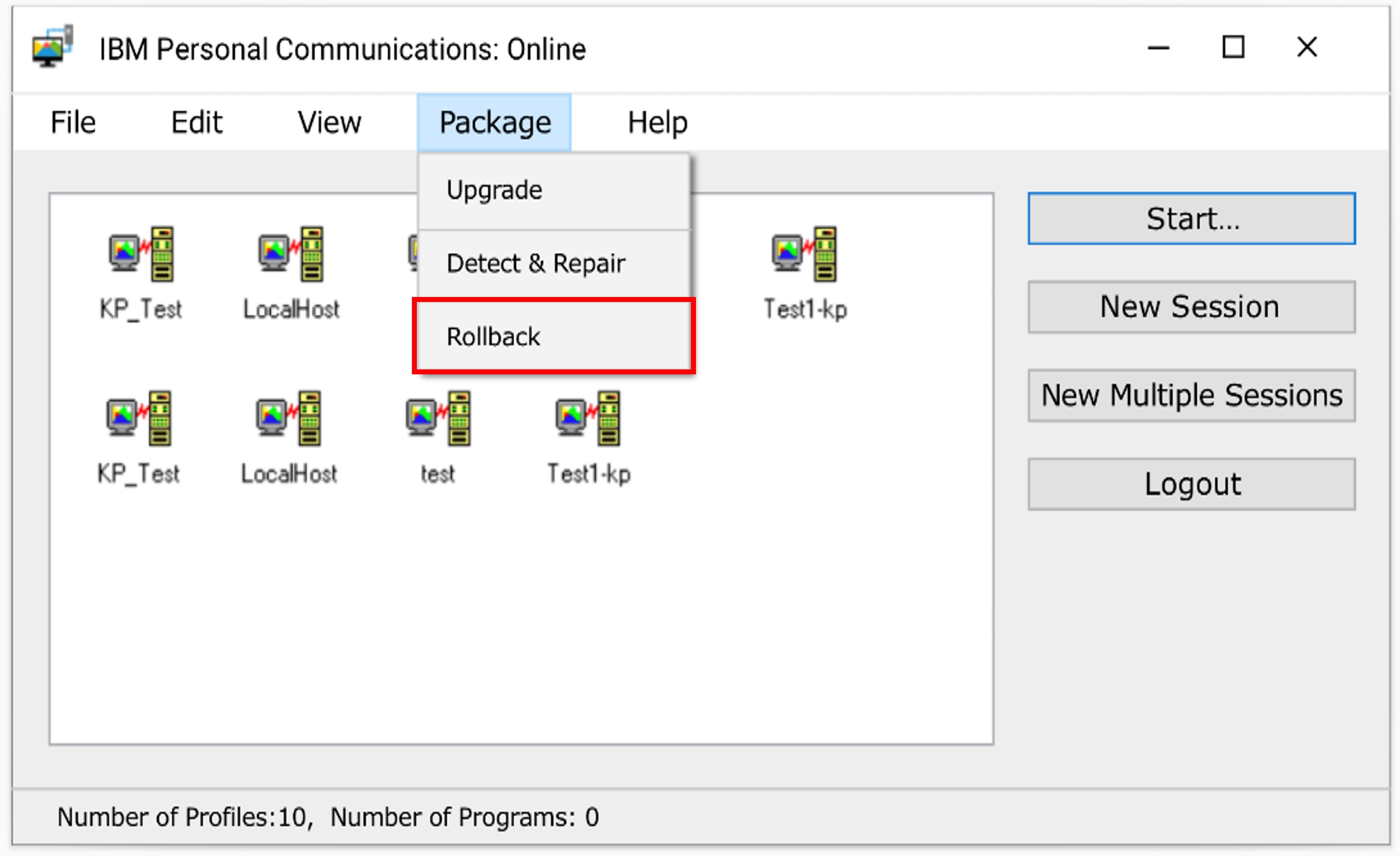
From 14.0.5.0 onwards, Auto-upgrade is enabled for Standard Users (Windows users who are not part of the “Administrator” group). Upgrade and Rollback can be performed from the “Package” menu from the Session Manager (Online/Offline).
“Personal CommunicationsService” manages the Auto-Upgrade or Rollback of IBM Personal Communications, and it can be registered in the services during the Base Pack installation.
- Steps to Rollback:
- After successful upgradation, to Rollback to the previous version, click on the “Rollback” menu item from the “Package” menu from the Session Manager (Online/Offline).
- Steps to disable the Auto-Upgrade for a Standard User:
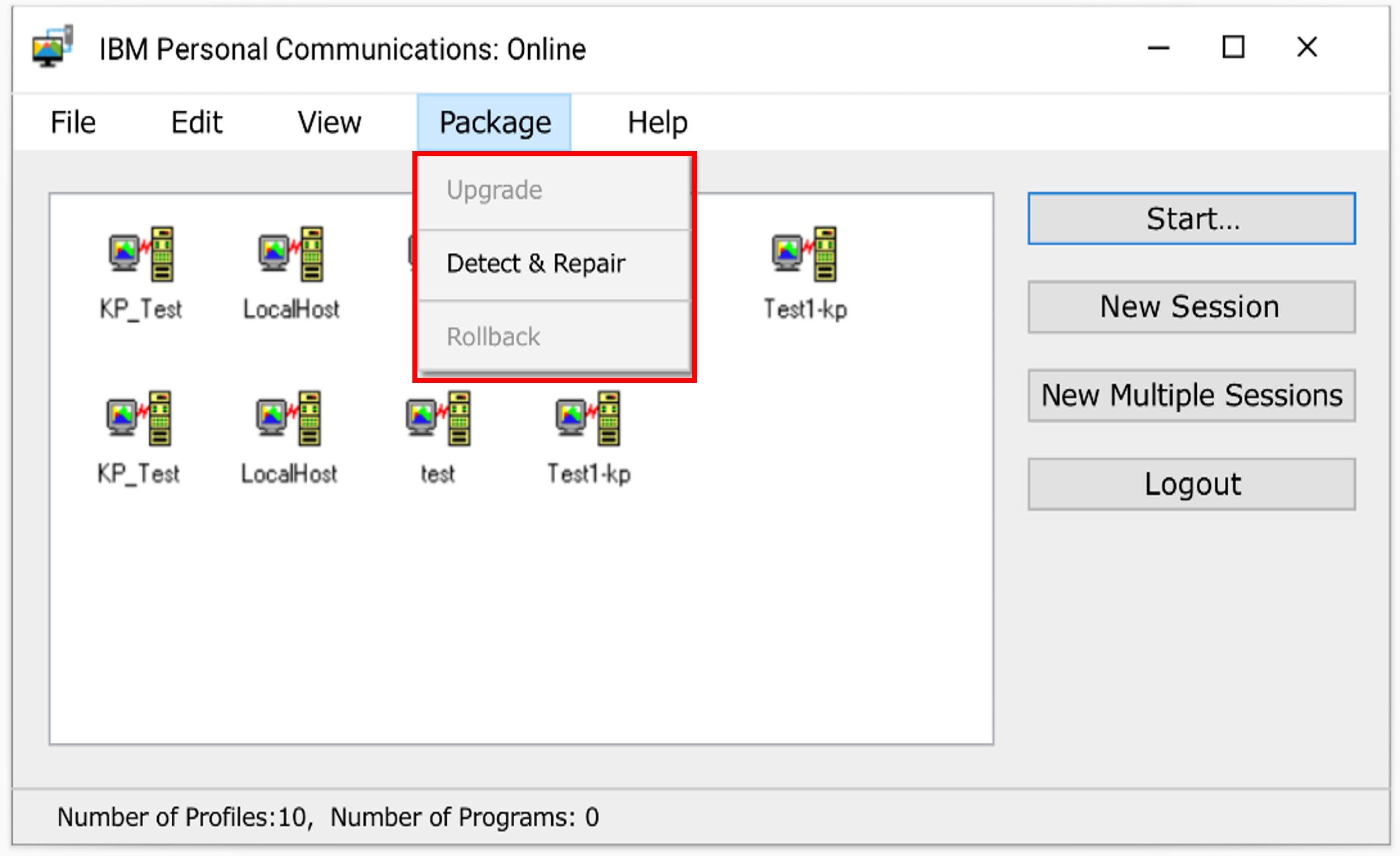
- To disable the “Upgrade” and “Rollback” menu options for a Standard User, set the “EnableUpdatePrivilege” keyword value as “No” in the “MPCOMM.cnf” configuration file.
Note:
By default, “Upgrade” and “Rollback” menu options are enabled.