Uninstalling the Host Access Toolkit
Find the following procedure to Uninstall Host Access Toolkit:
- Open Control Panel.
- In Program, go to Uninstall a Program.
- Select the appropriate file to Uninstall
- Right click on the installed program, the following screen displays
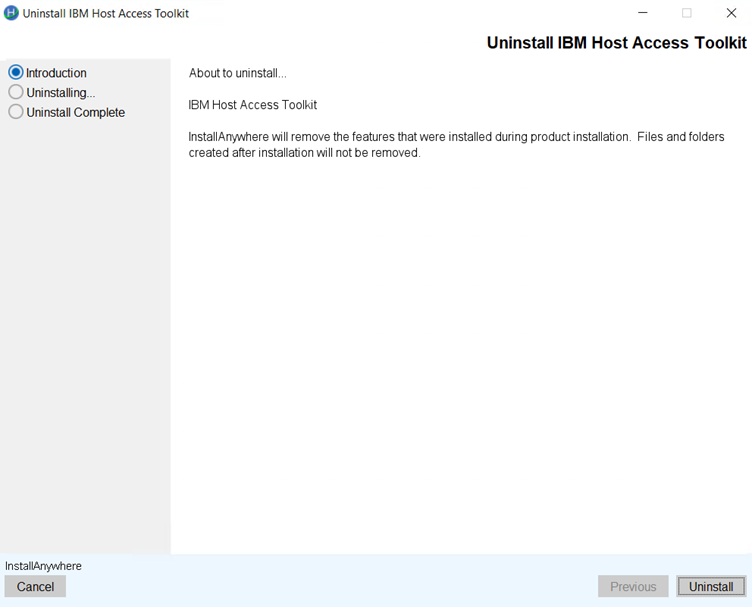
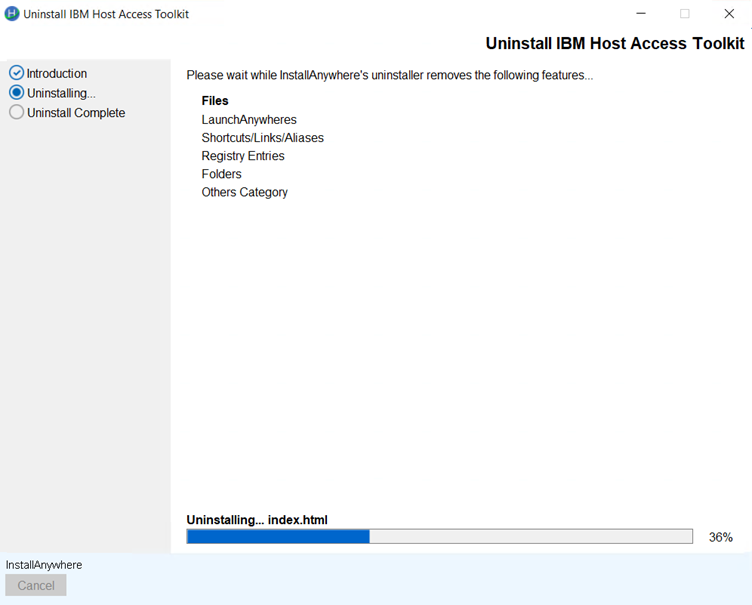
- Select the radio button and click Uninstall. The following Uninstall in
progress screen get displays.
- Once the Uninstall is complete, the following screen get displays.
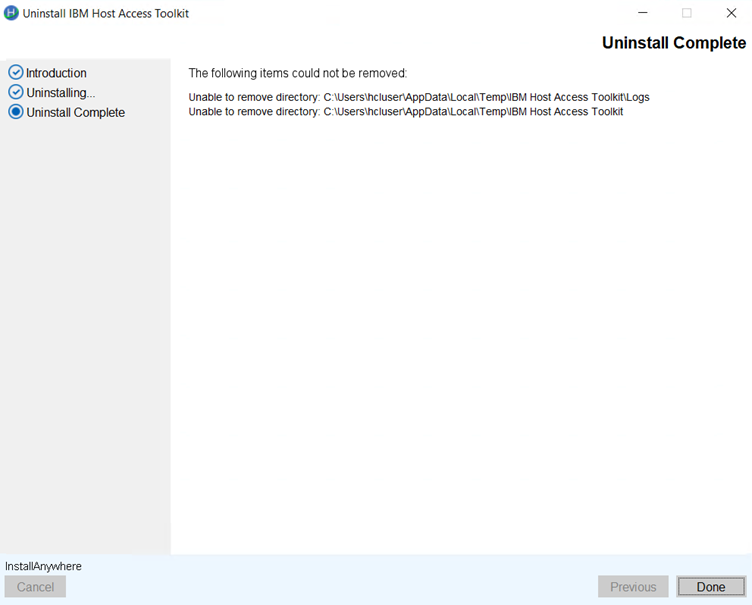
- Click Done.