Uninstalling the Deployment Wizard
Find the following procedure to Uninstall Deployment Wizard:
- Open Control Panel.
- In Program, go to Uninstall a Program.
- Select the appropriate file to Uninstall.
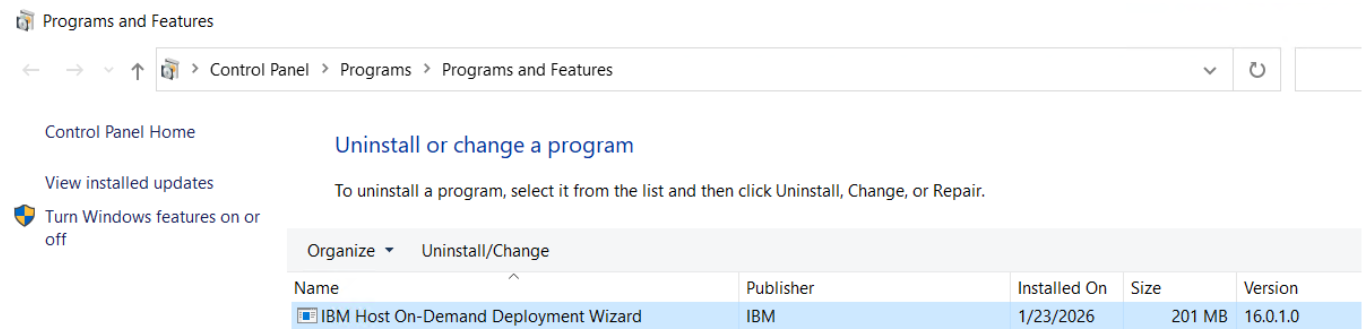
- Right-click on the selected file and Click Uninstall.
- The Uninstall IBM Host On-demand screen displays.
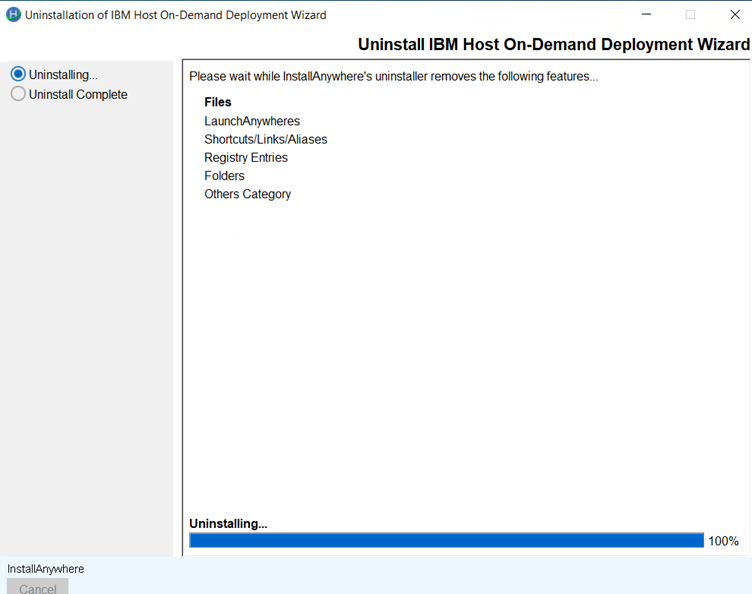
- Select the Uninstalling… radio button and click Uninstall.
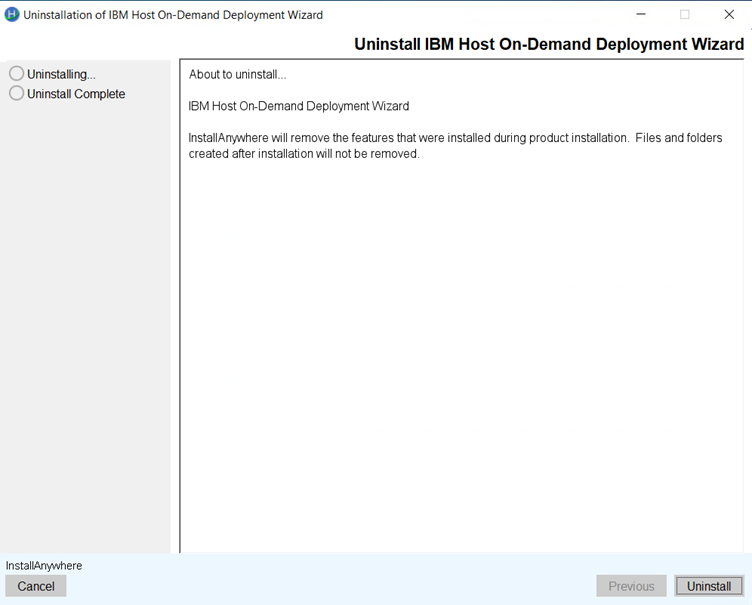
- Once the Uninstall is complete.
- Click Done.