Introduction
In this tutorial, you will learn how to build a simple web service with EGL. Then, you will create a client that uses this service.
This tutorial might require some optionally installable components. To ensure that you installed the appropriate optional components, see the System requirements list.
Service-oriented architecture is a method of organizing applications in modular pieces called services and clients. The services provide logic to the clients in the form of functions, in much the same way that EGL libraries make functions available to programs. However, in service-oriented architecture, the services are stateless, meaning that they do not remember interactions with a particular client. In this way, each time the service is called, it is as though that service is being used for the first time. Services are also able to provide their functionality to a wide variety of applications through the WSDL standard, promoting flexibility and code reuse.
Learning objectives
- Create and configure an EGL project
- Create a web service with EGL
- Configure an EGL project to act as a service or as a client at run time
- Create a web page controlled by EGL
- Test an application on a web application server
Time required
To complete this tutorial, you will need approximately 90 minutes. If you decide to explore other facets of EGL or web services while working on the tutorial, it could take longer to finish.
Skill level
Intermediate
System requirements
- Enterprise Generation Language
- WebSphere® Application Server
Prerequisites
There are no prerequisites for this tutorial.
Tutorial application
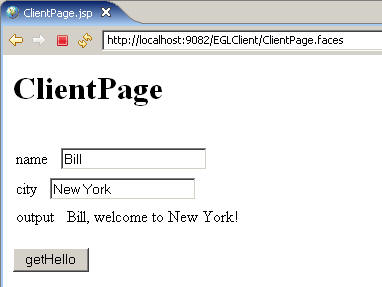
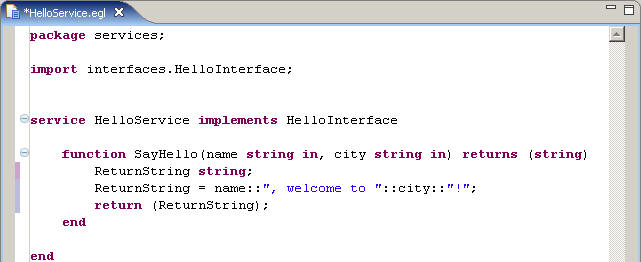
In this tutorial, you will create a simple web service in EGL. This service accepts a person's name and the name of a city and returns a string combining the two, such as "Bill, welcome to New York!" You will use the service-oriented architecture tools included in Rational® Business Developer Extension to expose this service as a web service and publish the information about the service in a WSDL file.
You will then create a project to act as a client for this service. This project includes a simple web page that retrieves the two input parameters, passes them to the service, and displays the output from the service on the page: