Uninstalling Host On-Demand using GUI Mode
This section describes the procedure for uninstalling the IBM Host On-Demand.
Refer to the table below for the commands to uninstall the installed Host On-Demand.
| Operating System | Command | More Information |
|---|---|---|
| AIX | sh ./setup | Root user Terminal client |
| Linux | sh ./setup | Root user Terminal client |
| Ubuntu | sh ./setup | Root user Terminal client |
Execute the following steps to uninstall the IBM Host On-Demand:
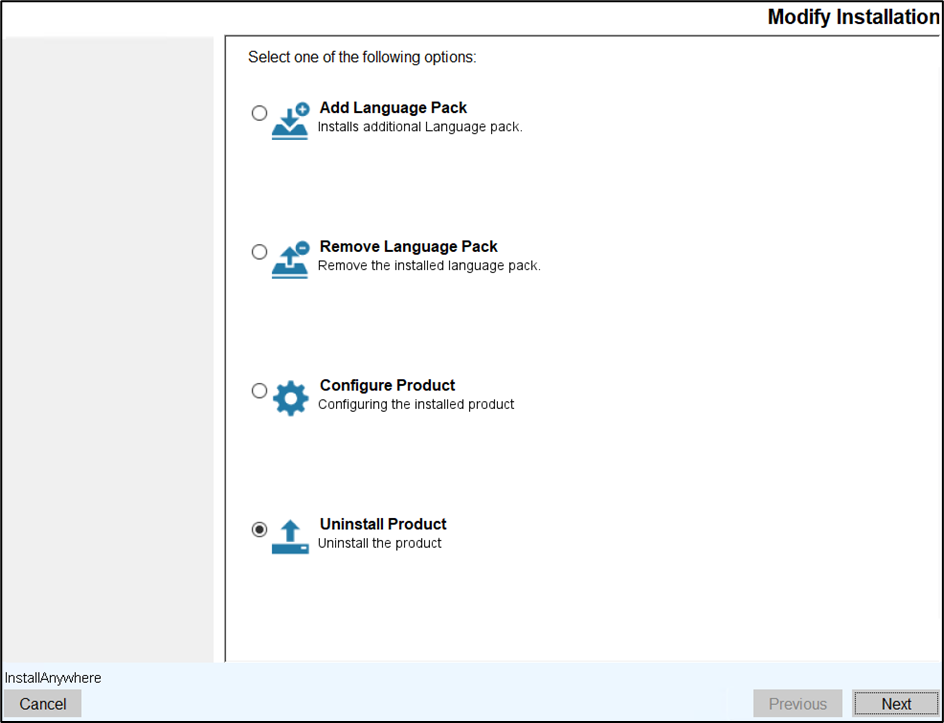
- Navigate to Modify Installation screen.
- Select the Uninstall Product option and click Next.
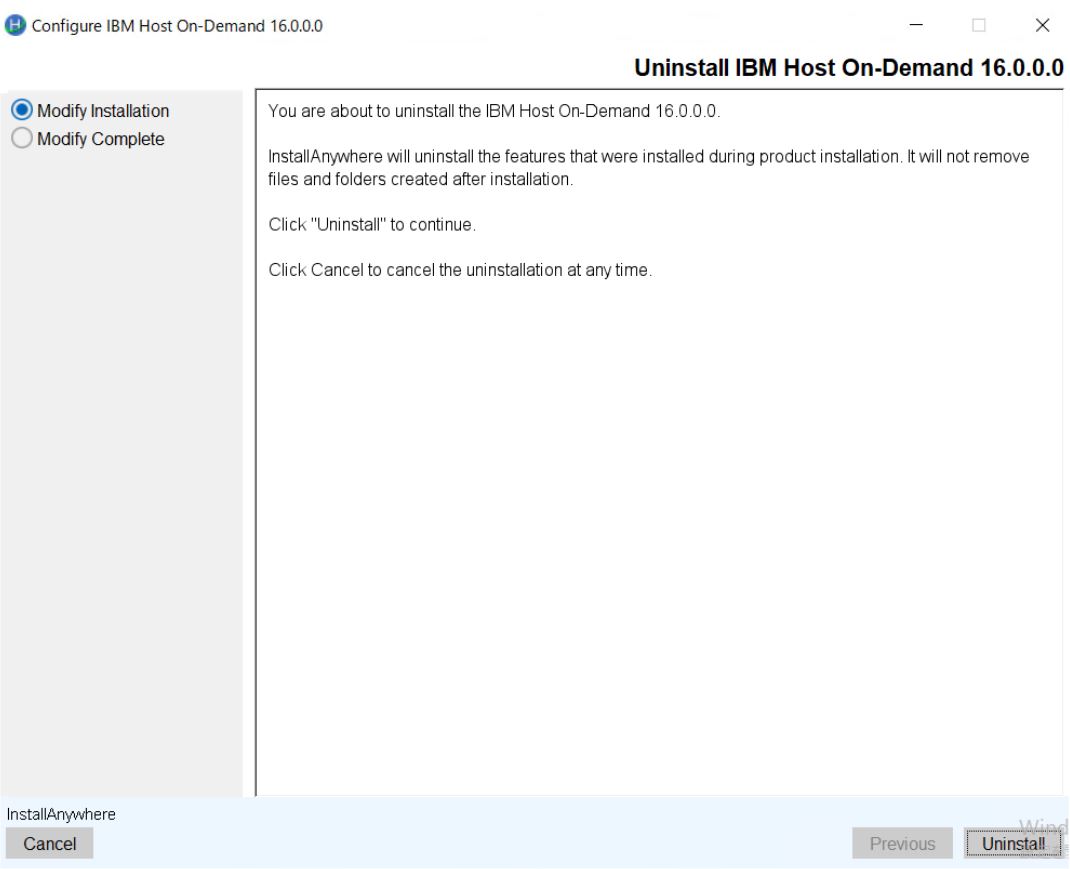
- The Uninstall IBM Host On-Demand 16.0.0 screen appears.
- Read all the instructions carefully and click Uninstall.
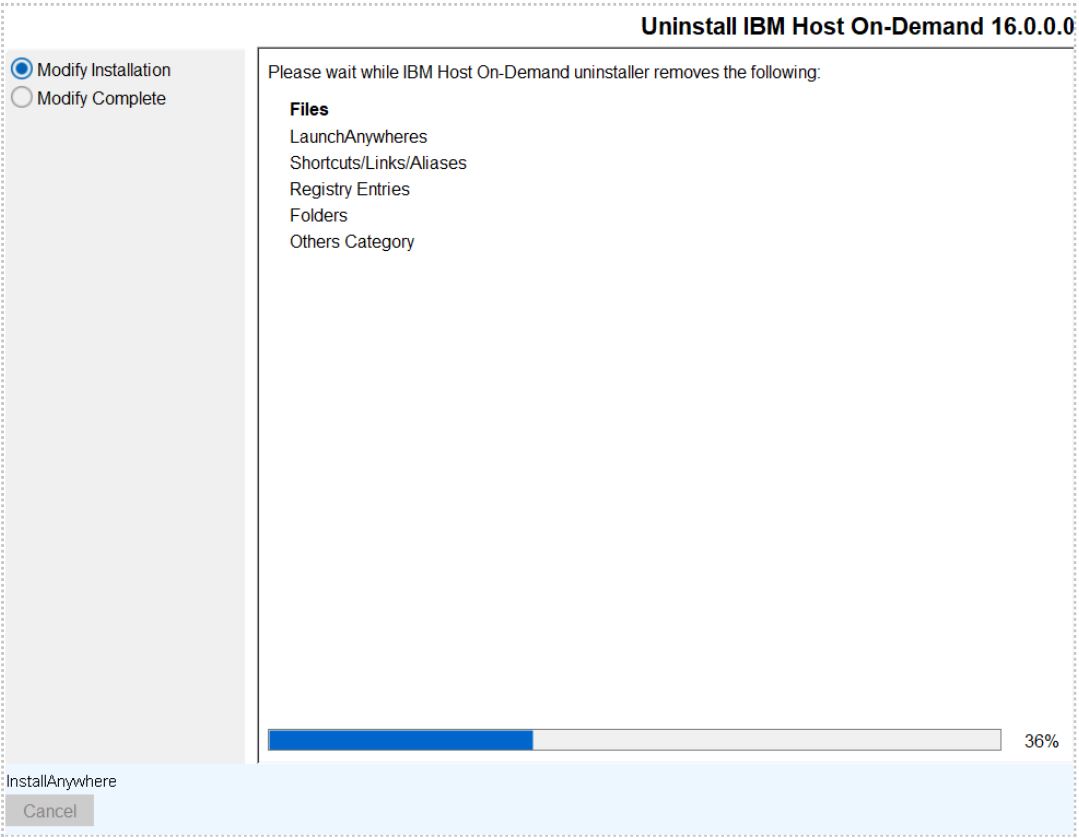
- The InstallAnywhere starts uninstalltion.
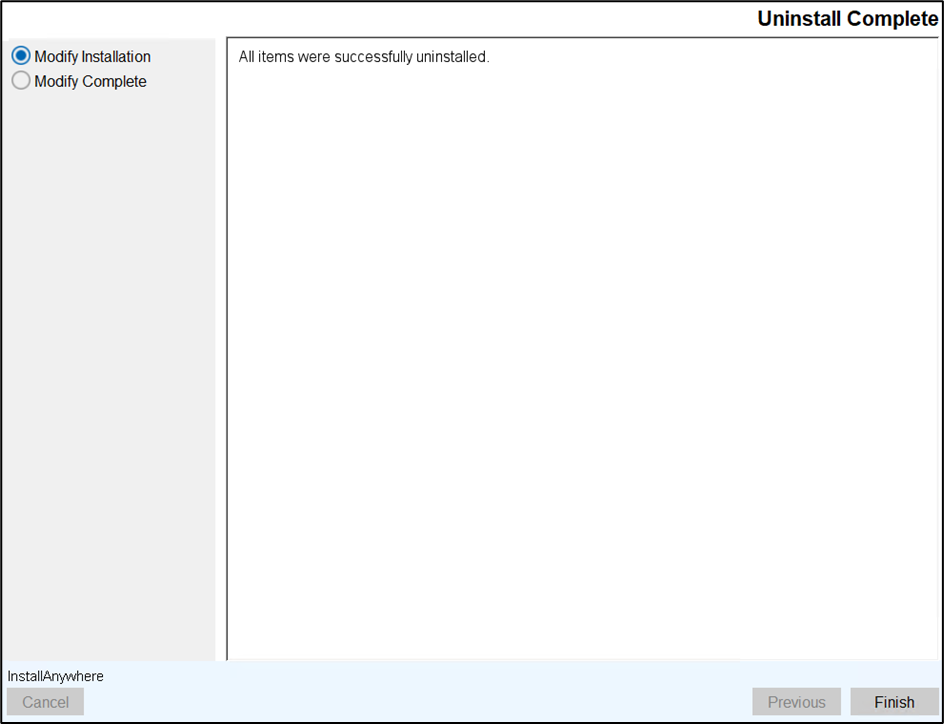
- After successful uninstallation, the Uninstall Compelete screen appears.
- Click Finish to close the installer.